

Save a user-defined layout
The current view layout can be saved as a user-defined layout. The saved layout will preserve the current view and column selection, as well as any colour or column filters applied to the data.
To save a layout, configure the layout and then select one of the following options:
Save
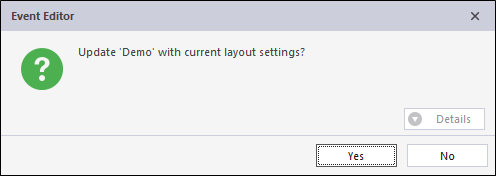
- Click Save, then Yes if you want to save the existing layout to the same name.
Save As
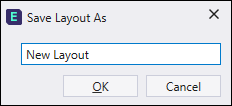
- Click Save As to save the layout with a new layout name.
- Enter a name for the new layout in the Save Layout As dialog, then click OK.
Clear selected
- Click on the Clear layout button next to the layout selector to clear the current layout and revert to the previous layout.
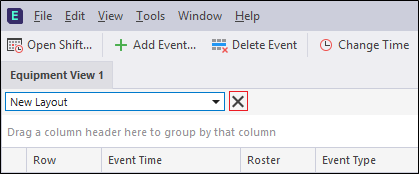
When you clear a layout, it is still available for selection in the drop-down list.