

Create printed output
Select the File | Print and File | Print Preview menu options to output the current view for printing.
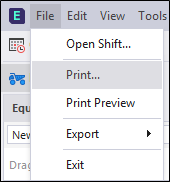
When you select the Print Preview option, you can use the  Print Preview dialog menu and toolbar to export records to PDF, HTML, CSV and other file formats.
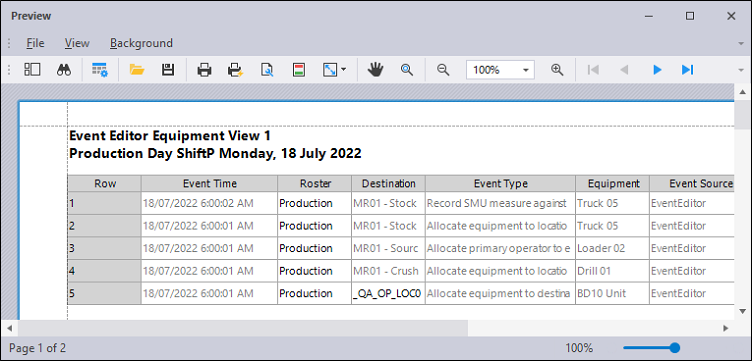
You can also distribute the same files to one or more email recipients, generate a custom page layout, apply a background colour or watermark, and add headers and footers.