Edit a system event
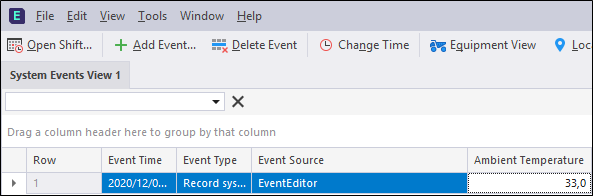
- Click the System Events View button. A data grid showing all system events in the Production database is displayed.
- Select the event you want to edit in the System Events View.
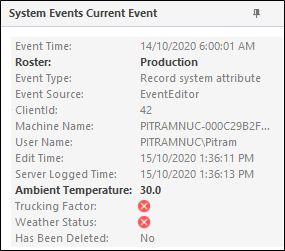
When you select an event in the grid, a complete summary of the event (all columns) is displayed as a Card view to the right of the data grid. The values that can be edited for the current event are highlighted in Bold. Column values that cannot be edited are shown as greyed-out.