

Edit Report
To edit a report:
-
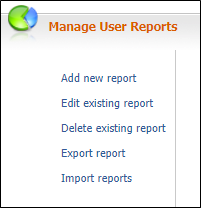
On the Services ribbon: Select System | Administration | Manage Reports | Edit existing report to edit a report.
- Select the report you want to edit from the displayed list of reports:
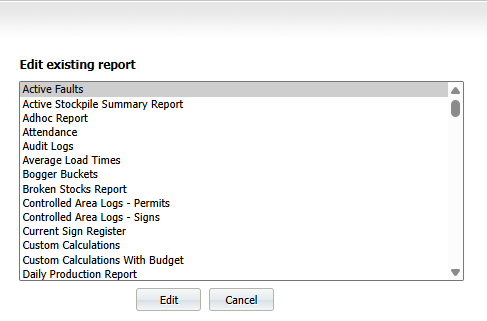
- Click Edit.
The window has access to four links on the header:

You will be presented with the Details screen by default.
When you edit a report, you select or specify appropriate values as described in the following links:
- Click Save.