

Manage Report Group Order
- Select Manage Report Group Order on the Administration pane.
This option is used to order the report groups or categories that are displayed on the report types pane of Reporting.
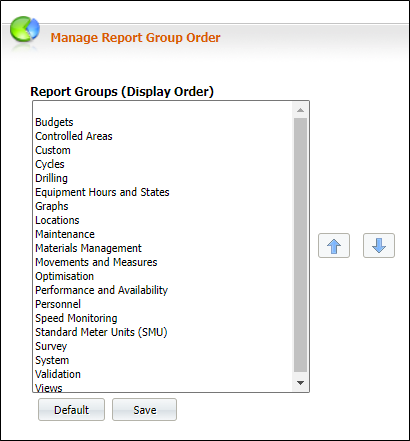
- Select an item from the list and use the up and down arrows (

 ) to move a group higher or lower in the list.
- Click Save to save your changes or Cancel to exit without saving your changes.