

Manage Services
On the Services ribbon: Select System | Administration | Manage Services to check that all licensed services are installed on the system, install a new service, or install an update of an existing service.

The window displays currently installed Pitram Portal services. For example:
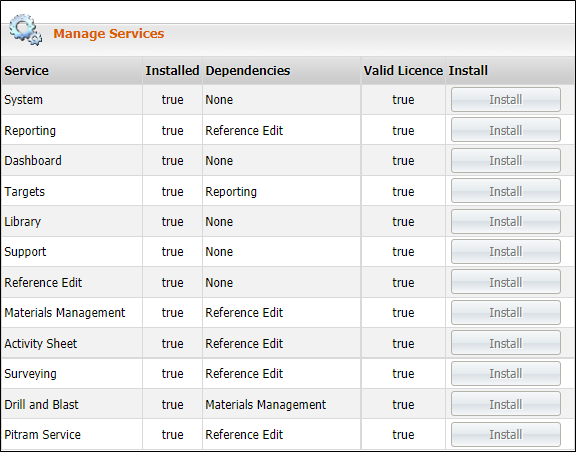
When all of the boxes in the Install column are greyed out, the installation is complete.
If Install is highlighted on one or more boxes (see above), the installation is only partially complete.
- Click on the highlighted boxes to install the missing components.
-
If the Valid Licence column is set to False for a service, that service cannot be installed under your current licence.