

Add Report
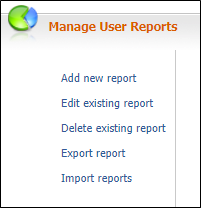
On the Services ribbon: Select System | Administration | Manage Reports | Add new report to create a new report.
- Enter a Report name for the new report.
- If you want to base the new report on an existing report, select that report from the Copy from drop-down list.
- Click Add to add the report to the database.
- Edit Report the report.
- Click Save.