

Add Equipment Activity
Equipment
To view the Equipment Activity Sheet, with a shift selected, click the link in the Selected Shift panel.
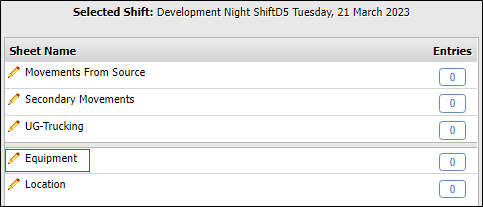
The Equipment activity sheet is displayed at the left.
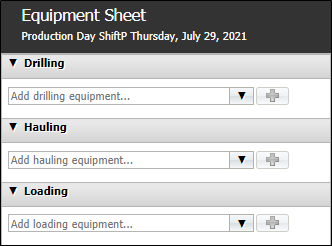
Drilling, Hauling, Loading
The Drilling, Hauling and Loading sections of the Equipment activity sheet are used to configure the equipment used for carrying out these tasks during the selected shift.
To add a piece of equipment to any of the sections, use the relevant drop down (Drilling / Hauling / Loading) to select a drilling equipment item from the available list.
Click the Plus icon to add the selected equipment to the sheet.

Repeat this procedure until all required drilling equipment has been added to the sheet.
Note: Individual equipment can only be added once to each Equipment sheet.
For each individual piece of equipment on the sheet, you can configure the Equipment Status and SMU Measure Readings.