

Activity Sheet Configuration Overview
This topic provides an overview of the configuration process for the Activity Sheet service.
Click on the Activity Sheet service icon and then click on the Configuration option.

The Configuration screen is displayed.
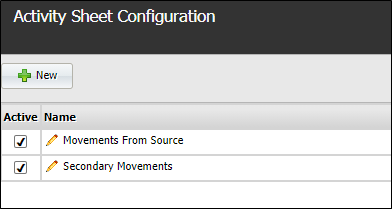
The Configuration screen lists the configured activity sheets. To view the details of a sheet, click the Name of the sheet.
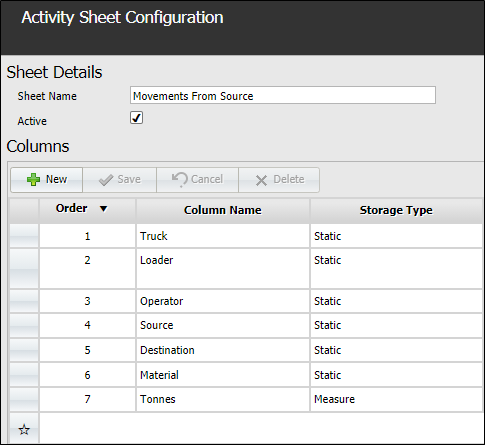
The details displayed in the table list the names and options for each column in the selected activity sheet.
You can make changes to an existing column or add new columns using the Sheet Details screen.
To add a column to the activity sheet, click the New button.

You can configure the details of the column and click Save to add the column to the activity sheet.
For information on the column details, and creating a new activity sheet, see Create an Activity Sheet.
From the Activity Sheet Configuration screen, you can use the buttons in the toolbar at the bottom right to Delete or Duplicate the open activity sheet. Duplicating an activity sheet will create a copy of the open sheet which can be renamed and modified as required- making for a quick way to create a new sheet.