Equipment SMU Readings
A number of different SMU Measures may be entered for a unit of equipment. These will vary depending on the equipment type, development drills, production drills, trucks etc.
There are three ways to enter SMU measures:
-
Right-click on the name of the equipment unit in the Equipment pane and select Enter Multiple Events. Only SMU measures can be entered using this option.
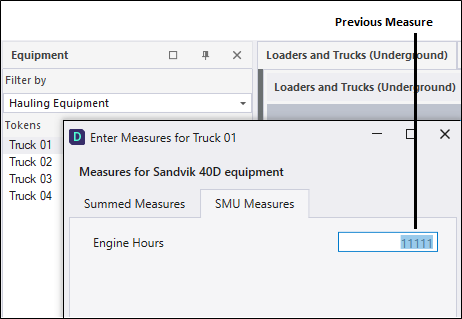
- Right-click on the name of the equipment unit in the Equipment pane and select Enter Measures from the right-click menu. Select the SMU Measures tab.
- When equipment units are displayed in a panel, the primary measure of an equipment unit - for example, the tonnes hauled by a truck - is shown as the last entry in the equipment pane. Simply click on the Measure entry to display the Enter Measures dialog. Select the SMU Measures tab: