Extend a log duration
To extend the duration of time people are logged at a Permit Controlled Area:
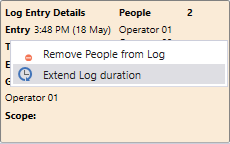
- Right-click on the controlled area and select Extend Log Duration.
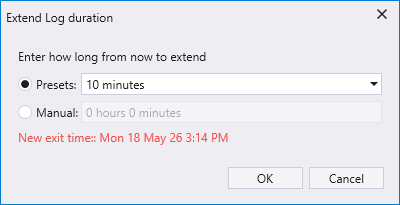
- In the Extend Log Duration dialog, select a preset duration or manually enter a duration. A new exit time is calculated and displayed.
- Click OK to extend the log duration by the amount specified.