

Download from Nexus
To download Supported Objects from Nexus:
-
Right-click on a supported object and select Download from Nexus.

-
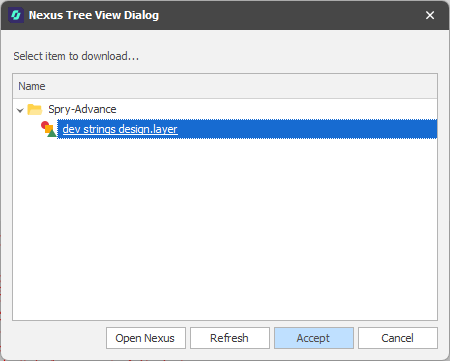
In the Nexus Tree View dialog, select the layer you want to download and click Accept:
The layer will be added to the Design Data pane, under the node or the underlying folder you selected.
If a layer of the same name already exists at the target location, a number is appended to the layer name. A Status icon to the left of the layer name in the Design Data pane indicates that the layer is up-to-date:

Note Local name changes to the synchronised Nexus object are not reflected automatically on the Nexus server (even when updates are pushed).
Similarly, name changes to the synchronised Nexus object on the Nexus server are not automatically reflected in the local copy (even when updates are pulled).