Sign In
Spry integration with Micromine Nexus requires a connection to the Nexus server.
Request an account from your Nexus administrator, who will provide you with the credentials you need to sign-in.
-
In the Project Explorer, right click on the root node and select Nexus.
-
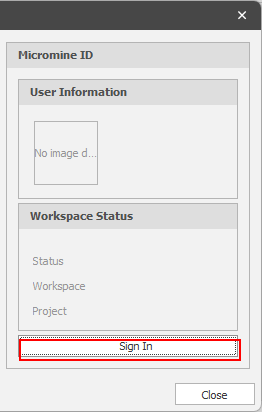
At the lower left of the Nexus panel, click Sign in:
-
You will prompted to login using your Micromine ID and password.
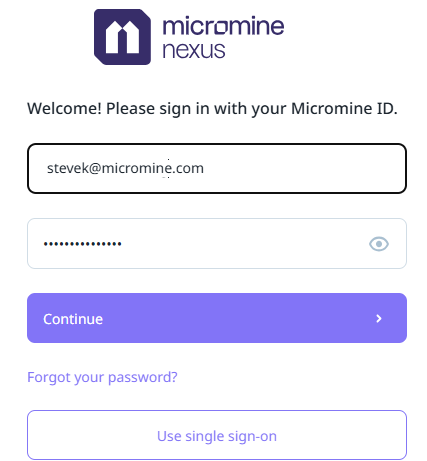
Once authentication is complete, a successful connection is indicated on the status bar at the lower left of the application window:

Once signed in, you can use the Link Project option to connect your Spry project to a Nexus project.
Sign Out
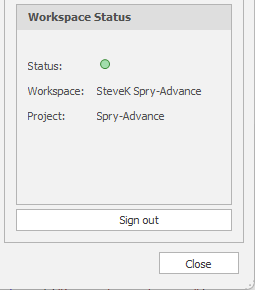
Click the Sign out button at the lower-right of the Nexus pane.
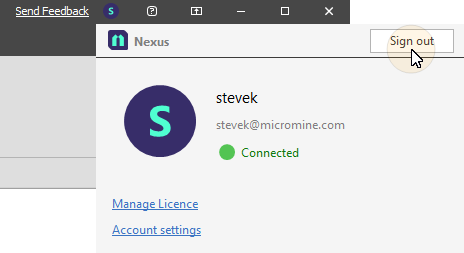
Alternatively, click the Nexus icon on the right-hand side of the application title bar and click Sign out.