

Check Out/Check In
Check Out/Check In options allow you to Check Out an object to reserve that object for editing, so that no changes can be made to the object by other users who have access to it. The Check In option will return full access to the object as normal.
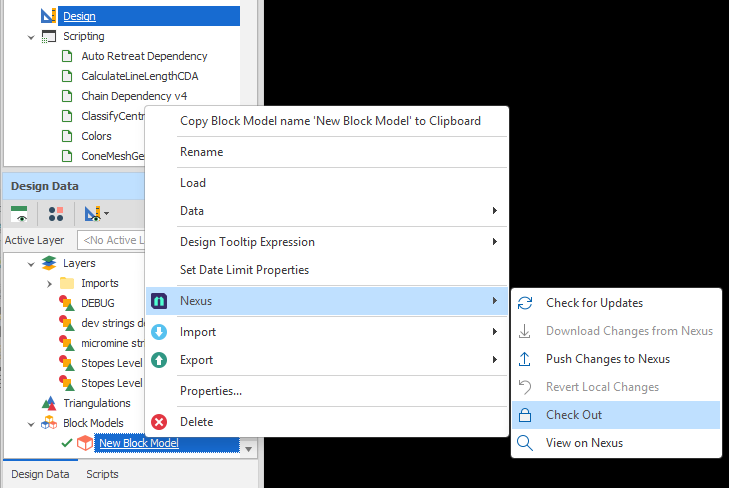
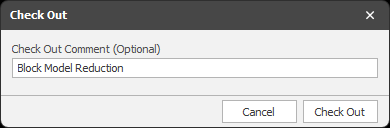
When you check out an object, you will be prompted to enter a comment:
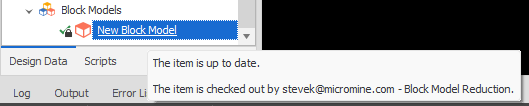
Once an object is checked out, its checked-out status is indicated by a padlock icon. When you hover the mouse over a checked-out object, who the object was checked out by is shown:
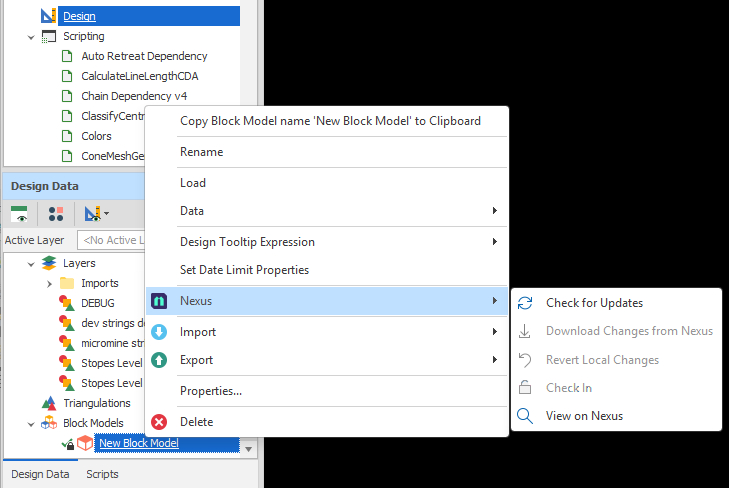
Note that an object that is checked out by another user cannot be checked in (that option is disabled on the right-click menu):
Similarly, local changes made to an object that is checked out by another user cannot be pushed to the Nexus server.