

How do I de-allocate a person?
- Make sure the Allocated People panel is displayed.
- Select the Deallocate button for the person to be deallocated.
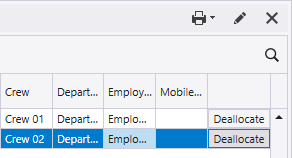
Alternatively,
-
Display the allocation window from View | Person Allocation .
In the Equipment or Location tab,
-
Right click on the operator to be deallocated.
-
Select Deallocate Operators and select the Operator to deallocate from the selected Equipment/Location.
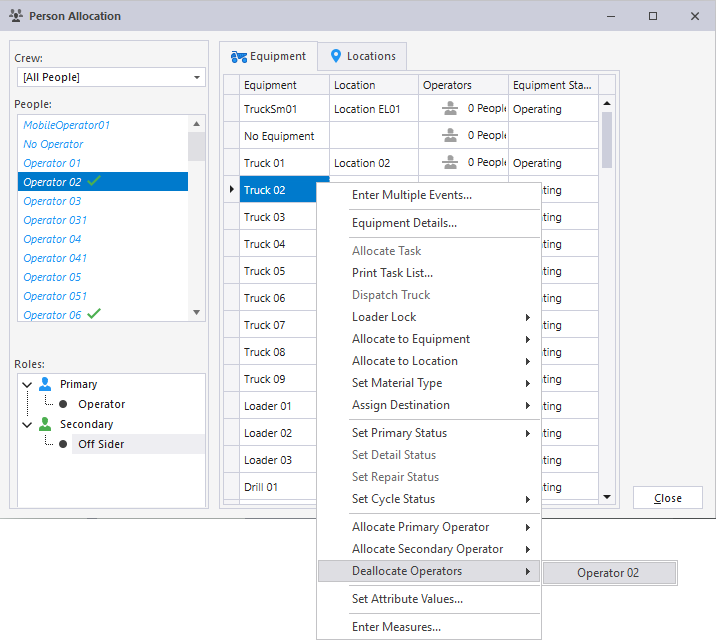
That person will no longer be allocated to equipment or a location.