Change an equipment status
Different states can be manually or automatically applied to units of equipment. See: Automatic equipment status changes.
There are two options when manually setting the status of an equipment unit:
- Right-click on the name of the equipment unit in the Equipment pane, select Set Primary Status, and select a detail status from the menu provided.
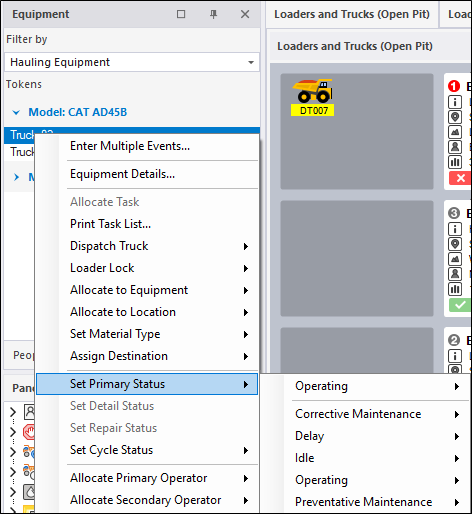
The status shown in the display pane will be updated.
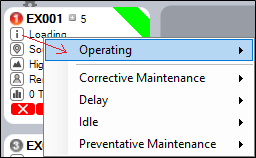
- Where equipment is displayed in a panel, the current status of that equipment unit - for example, Operating - is shown as the first entry in the equipment pane.
Simply click on the Status icon to display the Select Status dialog:
Select a status (and where appropriate) a detail status.