

Info
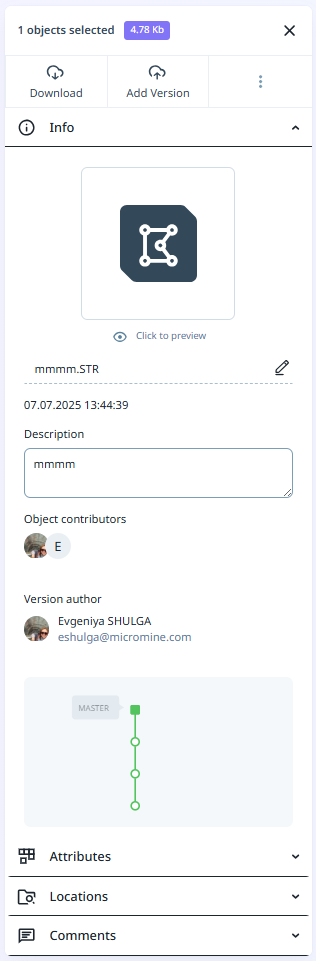
The following Information is displayed on the Info tab:
-
The icon associated with the attribute set of the file.
-
The name and an optional description of the file.
-
Versioning information including the author who uploaded the file and contributors (if any) who updated the file.
Download
Click to Download the selected file. If you select a version from the version tree, that version of the file will be downloaded.
Note: If a previous version is selected for download, it cannot be checked for updates from the destination project.
Add version
Click the Add Version button to upload a new version of the selected file. See: Versioning
Other
Click the ellipsis to access other options related to the file you have selected in your project browser:
Object Preview
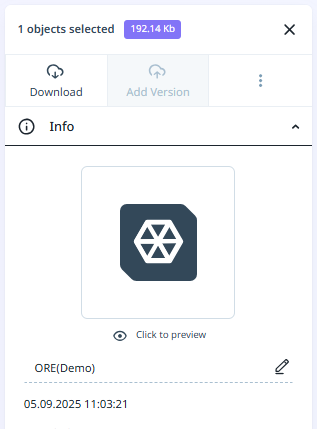
Clicking the Click to preview button will open the file in the Viewer.
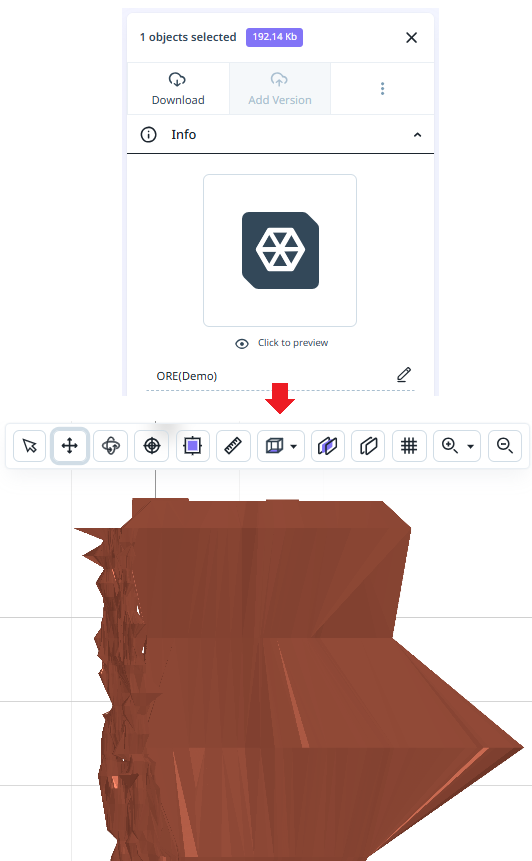
Tip: You can also double-click on an object file in the Library to display it in the Viewer.