

Add to
To copy a file(s) or folder to another location in your
-
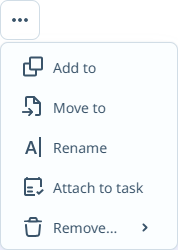
Select the file(s) or folder you want to copy and click Add to on the local ribbon:
-
Select the Workspace for the location from the drop down.
-
Navigate to the
- If required, you can create a New Folder within the selected destination using the icon at the right.
- Click Add to.
Enter a name for the new folder in the field provided and click Save to create it.
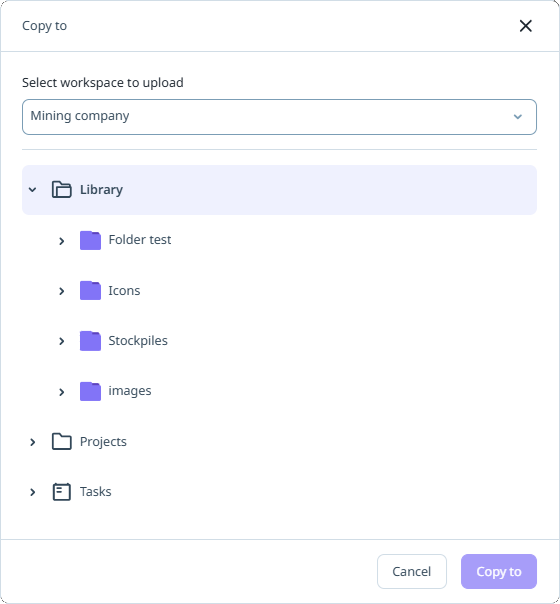
The file(s) or folder are copied to the specified workspace and location.