

File Information
When a file is selected in your Nexus project, the properties of the file are shown in an Info pane:
-
The icon associated with the attribute set of the file.
-
The Name and an optional Description of the file.
-
Versioning information including the Author who uploaded the file and Contributors (if any) who updated the file.
To view version, attribute and permissions information about the files in your Nexus project:
-
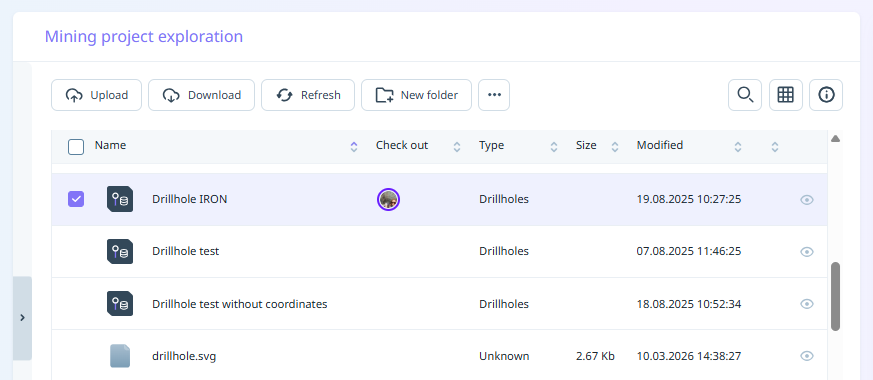
Select the file(s) you want to view information about:
-
Click the Info icon on the toolbar.
-
An Info pane is displayed on the right-hand side of the screen:
- The number of files selected, along with the combined size of the files is displayed at the top of the Info panel.
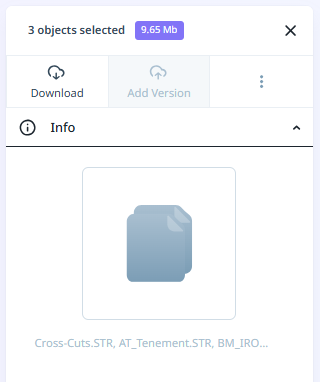
You can click the cross at the top right of the Info panel to close it.
Note: The Info panel is also available from the right-click context menu in the file browser. The tabs on the Info panel allow you to set the metadata and attributes of the files you have selected, view the locations in which those files appear, and view or enter comments for the current and/or previous versions of the files you have selected.