

Attributes
To view attribute information about the file selected in your Nexus project browser:
-
Select the file for which you want to view attributes.
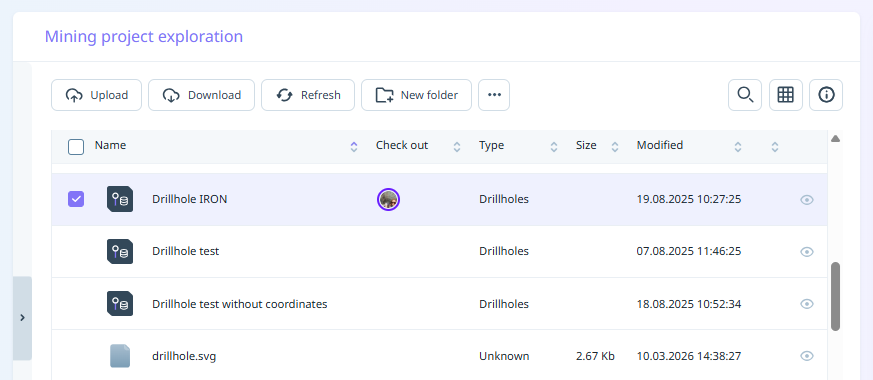
- Click the Info icon at the top right of the grid.
-
Click to select the Attributes tab.
The following properties are displayed:
-
The attribute set of the selected file.
-
The attributes associated with the attribute set.
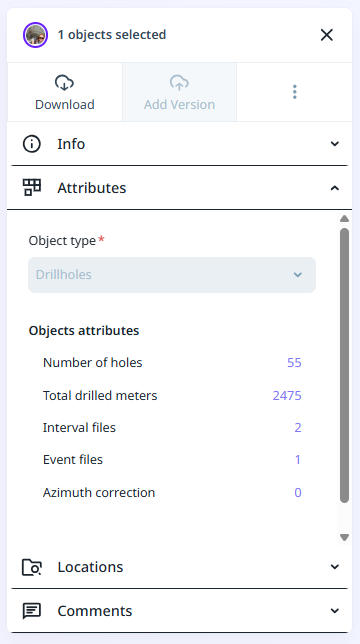
Be aware that the attribute set of a file (and the attributes associated with that attribute set) are set when a file is uploaded. You cannot subsequently change the attribute set of a file in your workspace library or project browser, however you can edit its attribute values.