

Select Workspace
If there is only one workspace, that workspace is opened automatically when you open Nexus. If you have multiple workspaces, the most recently opened workspace is opened by default.
To select a workspace:
-
-
Alternatively, select All Workspaces and then choose a workspace.
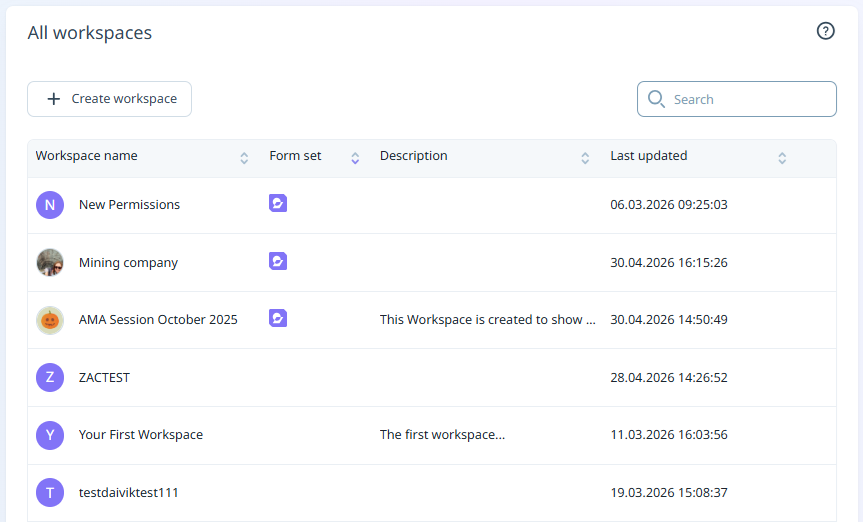
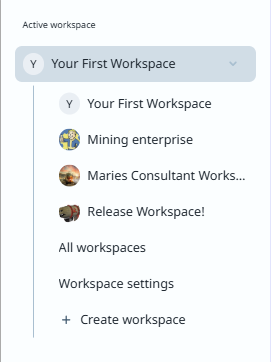
The Workspace Home Page is opened. See: Workspaces