

Rename
To rename a file or folder in your
-
Select the file or folder you want to rename and click Rename on the local ribbon:
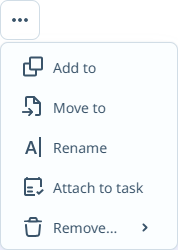
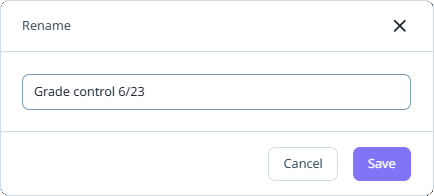
The Rename form opens.
-
Enter the new name for the file/folder in the field provided.
-
Click Save to apply the new name, or Cancel to exit without making any changes.
The file or folder is renamed.