

Download File
In the Info pane, click Download File to download the current file:
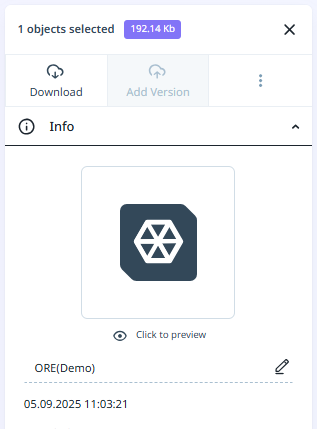
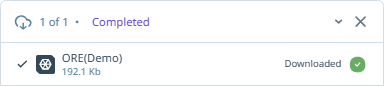
The file is downloaded to the \Downloads folder on your computer.
Note: When a Nexus object is selected, individually or in a folder, Download is not available. This is because Nexus objects that can be viewed in the Nexus Viewer are different to the wireframe objects that are native to your local application. Where a selected folder contains a Nexus object, the folder cannot be downloaded either, for the same reason.