

Add to Starred
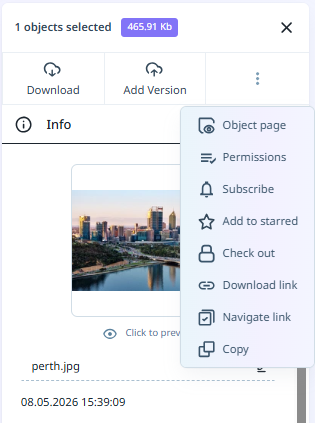
In the Info pane, select Other | Add to Starred to favourite the selected file/files in your library. The Starred file/s will be displayed in the Starred section for your Workspace.
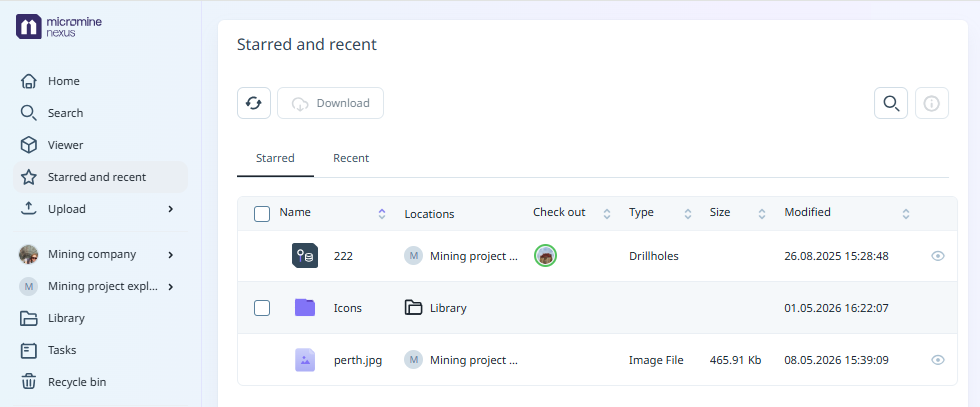
All starred files / folders will be displayed in the Starred tab of the Starred and Recent section for the Workspace. This section is displayed on the workspace page, or can be opened from the main menu at the left:
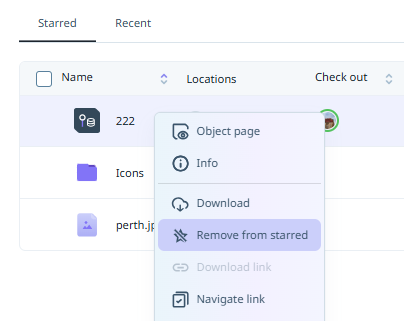
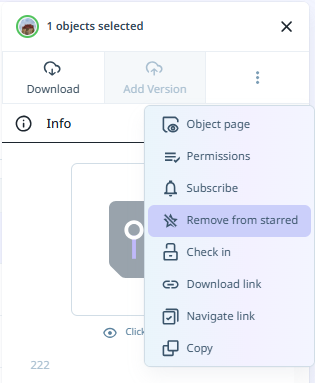
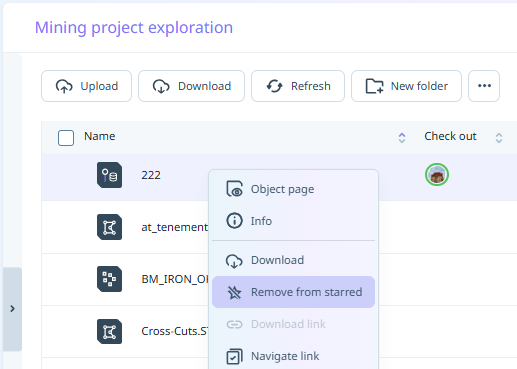
You can remove a folder / file from the Starred section using the More menu in the Starred section or the Object page, the Other menu in the Info panel, or the right-click context menu for the file / folder.
|
|
|