Sort records
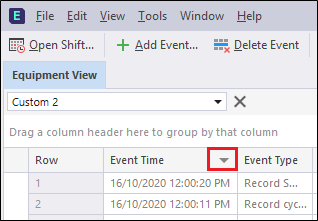
You can sort the records in the Events data grid by simply clicking on a column header. An arrow icon is displayed. Use this arrow to toggle between an ascending and descending sort order.
|
To sort by more than one column click on multiple column headings.
|
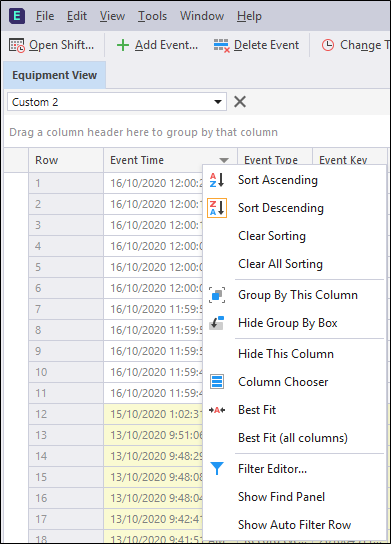
Alternatively, right-click on any column header, to use the Sort options on the right-click menu:
|