Group Events
You can group the events displayed in the data grid by column value.
Group by column value
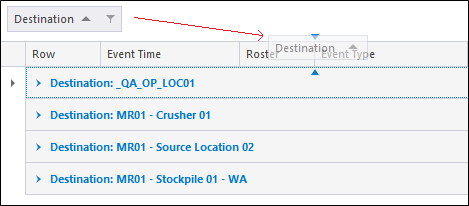
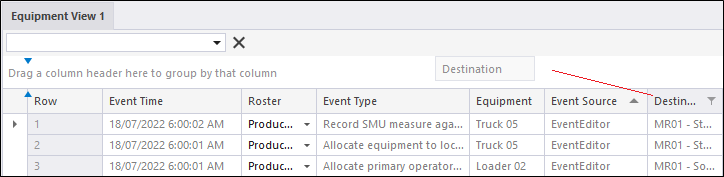
Move the mouse over the column header row and the column (i.e. Destination) you want to group by.
Drag and drop the column header to the empty bar above the column header row:
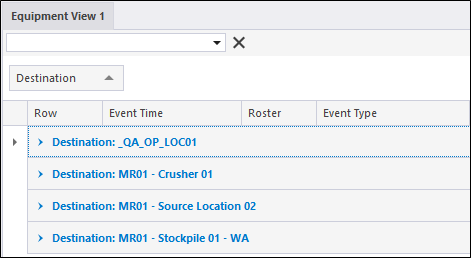
The events in the data grid will be grouped by destination:
Group by more than one column value
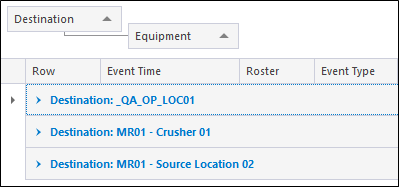
Drag and drop a second column header to the empty bar above the column header row. In the following example, the events in the data grid are grouped by Destination and sub-grouped by Equipment:
Revert to the default view
Drag and drop the column headers back onto the desired location in the column header row.