View Navigator Properties
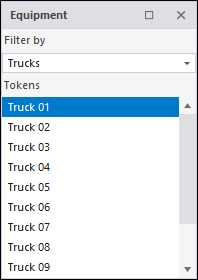
The Data Elements (Equipment, Locations, People) that are active during a shift can be displayed by selecting an option from the View | Navigator menu.
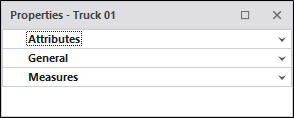
You can also select the View | Navigator | Properties menu option to display the properties of those objects.
|
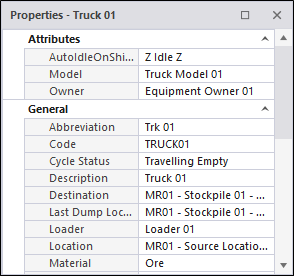
When you select a unit of equipment, a location, or a person, the Properties window will be updated accordingly:
|
|
Click on the Expand button to display properties by category. There are three (Attributes, General, Measures) categories:
|