

Drag and drop
In Data Acquisition you can drag and drop objects with the mouse. An object might be an item in a list, a display pane, or a window.
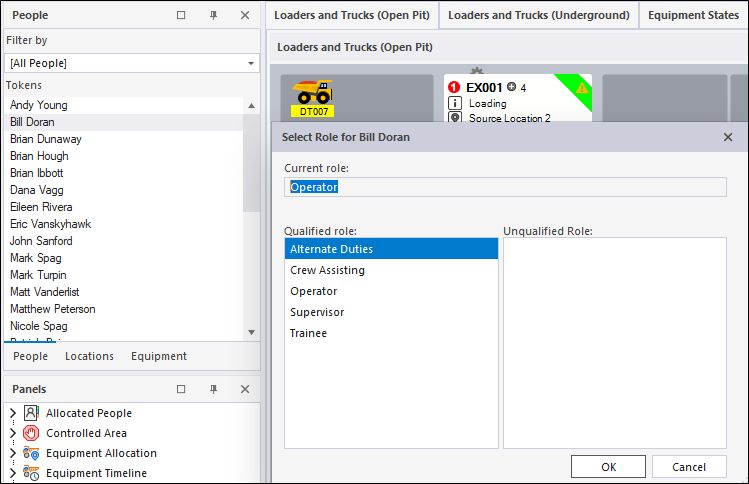
For example: You can allocate an operator to equipment simply by dragging and dropping a person's name onto the appropriate equipment icon or pane. You will then be prompted to select a Role.
To drag and drop an object:
- Click on the object with the mouse and hold down the mouse button as you 'drag' it to a new location.
- At the new location, release the mouse button to 'drop' it.
A stop sign will be displayed if the object you have selected cannot be moved to that location.