Qualifications in action
Once qualifications have been configured in Micromine Pitram Portal, they will be used by Micromine Pitram to validate the allocation of people to equipment in Data Acquisition. Qualifications are also used to validate the login of Mobile equipment operators.
Data Acquisition
CanOverride Enabled
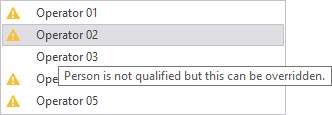
In the Data Acquisition right-click menu for equipment, if you navigate to a role that has a qualification against it, and that qualification can be overridden, a warning icon is displayed alongside the name of any person who is not qualified for that particular role.

In the following example, one operator is qualified to be allocated to the equipment in the role of Operator, while the other operators are shown as unqualified.

If you hover the mouse over any of the unqualified people, a tooltip will indicate what the warning means.
If the CanOverride setting is enabled and the person allocated to that equipment is unqualified for the role of operator, the Data Acquisition operator is prompted to allow or deny the allocation:
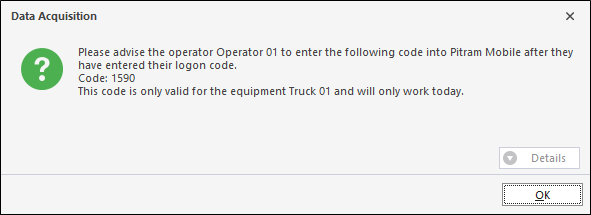
If the CanOverride setting is enabled for a qualification which is associated with the operator of a Mobile equipment unit, the Data Acquisition operator must communicate an override code to the operator of the mobile equipment.
CanOverride Disabled
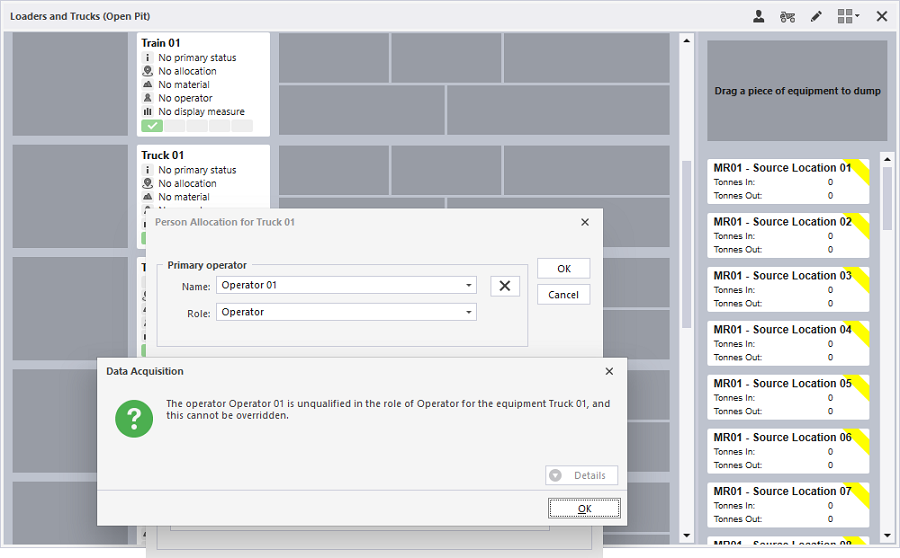
If the CanOverride setting is not enabled, a person unqualified for a role cannot be allocated to equipment. As detailed above, the right-click menu for equipment in Data Acquisition will exclude any people who are not qualified for a role that cannot be overridden.
Elsewhere in Data Acquisition, such as in the Person Allocation dialog, or in the Person Allocation window, a warning message is displayed indicating that the allocation is not allowed:
AlarmOnOverride
If CanOverride is enabled and the AlarmOnOverride setting is enabled and the person allocated to equipment is unqualified, an alarm is displayed in Data Acquisition.
The purpose of the alarm is to allow other users and instances of Data Acquisition (e.g. another instance of Data Acquisition is being viewed by a shift supervisor outside of the control room) to see that a qualification has been overridden.
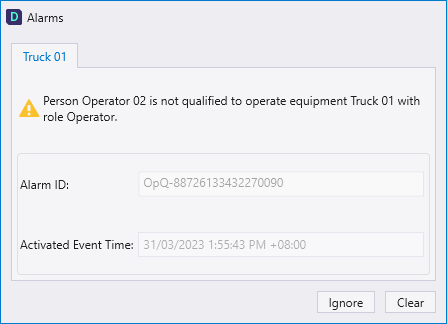
If only one instance of Data Acquisition is running (typically in the control room) then the AlarmOnOverride function is not needed.
Mobile
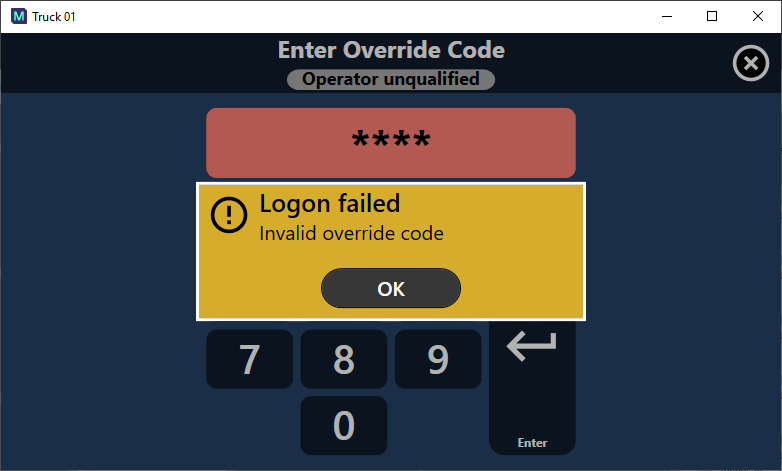
If the CanOverride setting is enabled for a qualification associated with a mobile equipment unit, before an unqualified operator can  login, they must enter an override code given to them by the Data Acquisition operator.
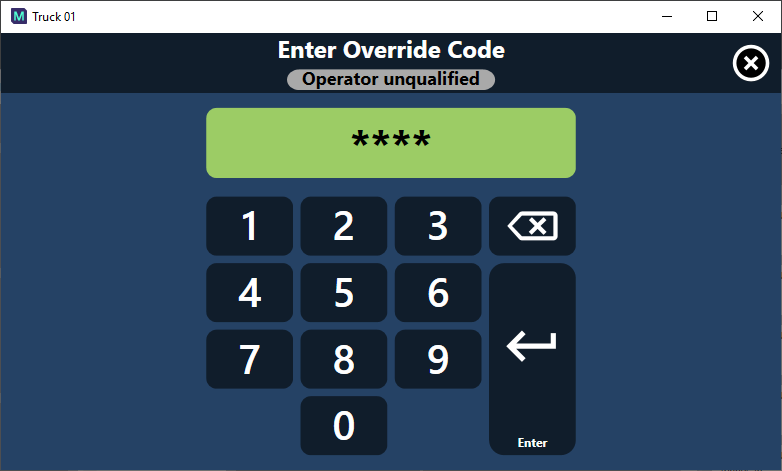
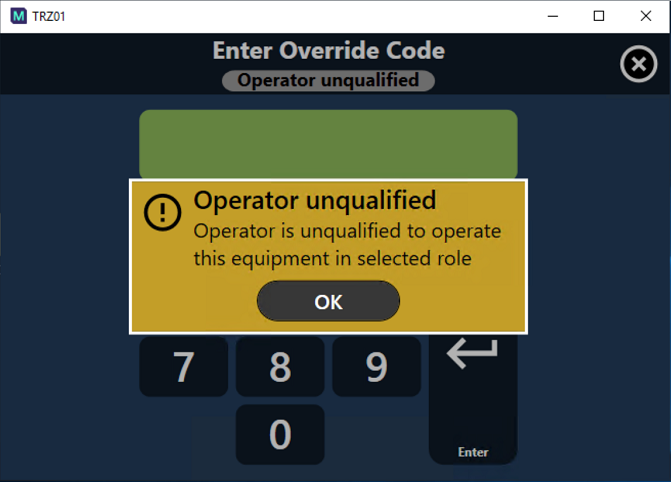
If the CanOverride setting is NOT enabled for a qualification associated with a mobile equipment unit and an unqualified operator attempts to login, they will be presented with the following screen and will be unable to login.