Create a Task Status
When you create or edit a task type, you can create and allocate your own custom statuses:
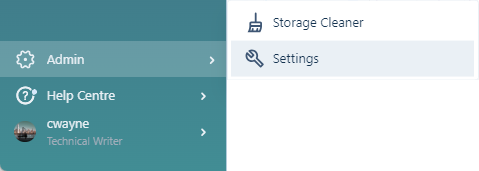
-
Click to select the Tasks tab.
-
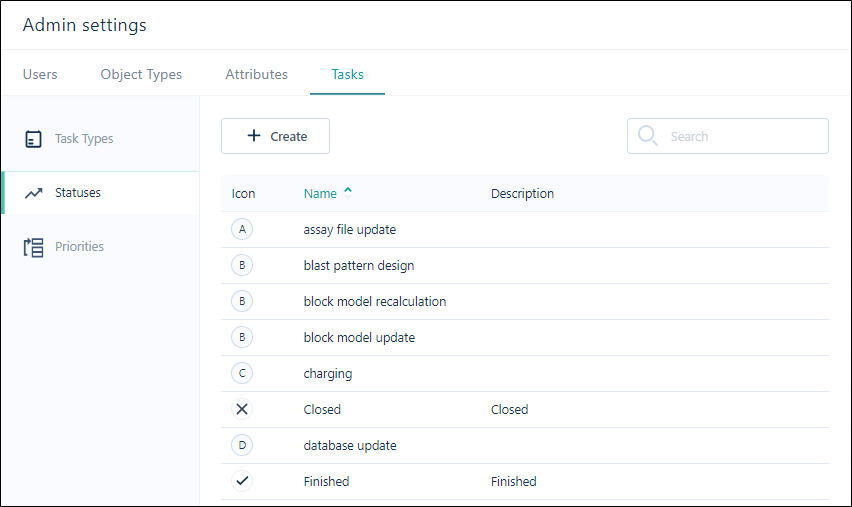
Click Statuses to switch to the Statuses pane. Default statuses and any custom statuses that were previously created are listed:
-
Click the Create button to create a new status.

-
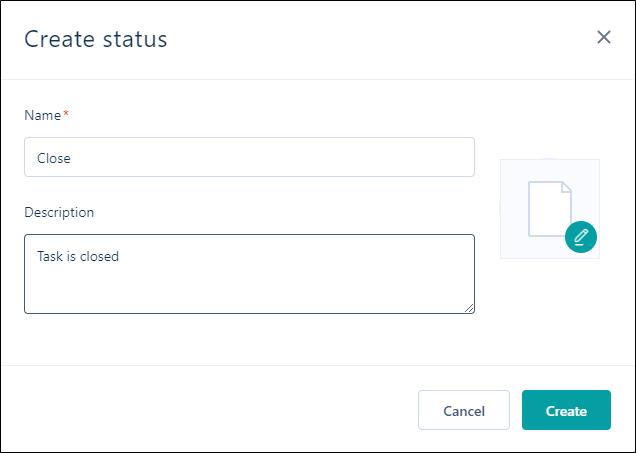
Set the following properties of the Status.
Properties
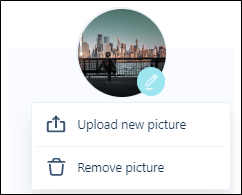
File icon
Double-click on the File icon to select an icon that represents the
Name & Description
Enter the Name and Description of the
-
Click Create.
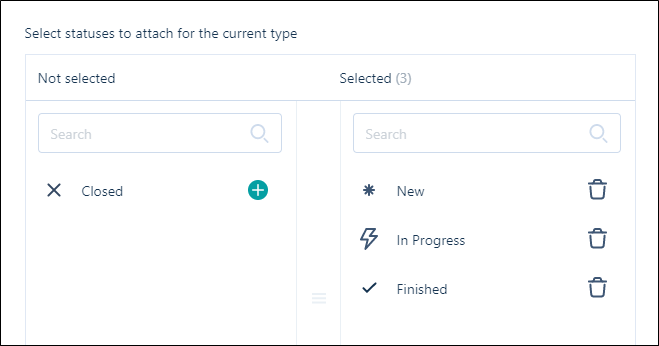
The new status is available for selection for a task type: