Troubleshooting
Refresh
When the Nexus software has been upgraded and you open the application in your Internet browser, the window may need to be re-cached or refreshed.
If the features you expect to be available to you aren't there, press CTRL + F5 to refresh the browser window.
If problems persist, please contact support via the Nexus Help.
No Permissions
If you are a user and you do not have any permissions for a workspace, the workspace is "locked"- as indicated by a padlock icon:

Without permissions you will be unable to open the workspace.
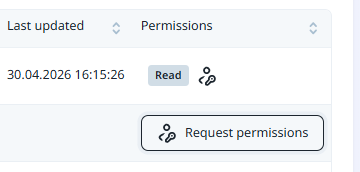
If you have no permissions or you have restricted permissions, you can request permissions or a change in permissions for yourself (and other users) by clicking the ellipsis button at the end of the workspace row. Select Request permissions to open the Request Permissions dialog: