

Storage Cleaner
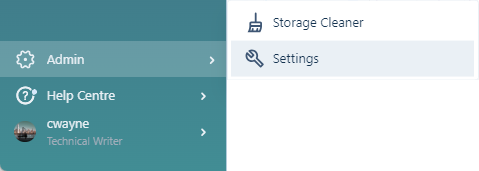
The Storage Cleaner allows Administrators to find objects, folders and tasks across all of the Nexus workspaces, including the Recycle Bin, that can be deleted to save space. The Storage Cleaner can be configured to scan for items to be deleted by workspace, attribute set and version/timestamp.
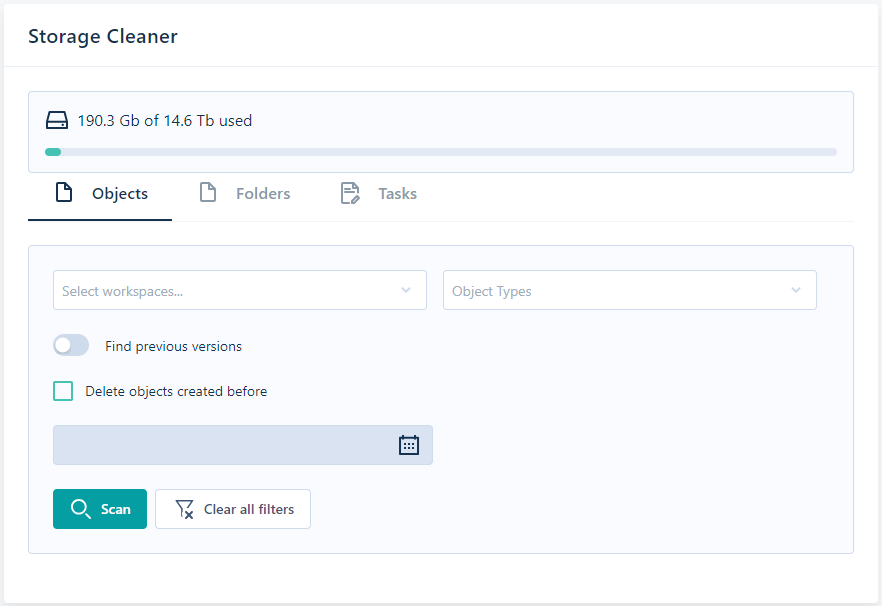
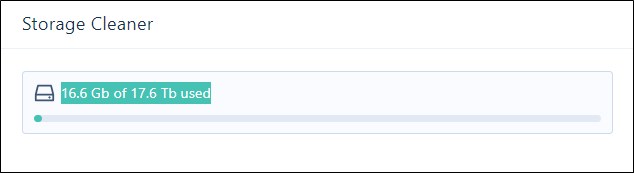
At the top of the Storage Cleaner, the disk storage usage for the tenant is displayed. This information is also available to Administrators through Licence Information.
The Objects and Tasks tabs in the Storage Cleaner display the results of the Storage Cleaner scan. The Select Workspace and Attribute Set filters are available on either tab.
On the Objects tab, the Find previous versions option is available, which allows you to scan for object versions created before a specified date, or objects with a specified number of versions.
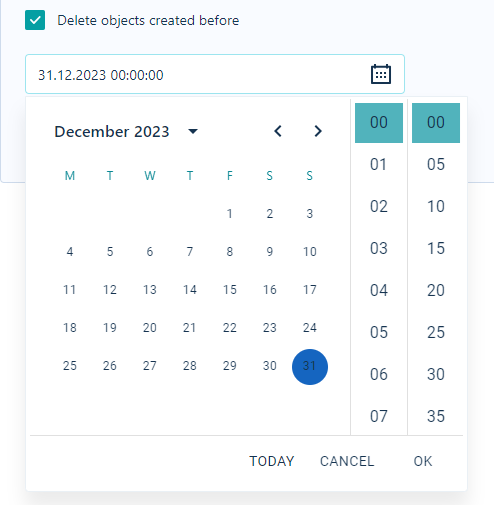
The Delete objects created before option is enabled when Find previous versions is not selected. The option enables a field with a Calendar control from which you can select a date and time. Any objects created after the specified date/time will not be included in the storage cleaner process:
For information on finding and deleting objects, see Scan Objects.
For information on finding and deleting tasks, see Scan Tasks.