

Groups
-
-
Select Users | Groups to manage user groups.
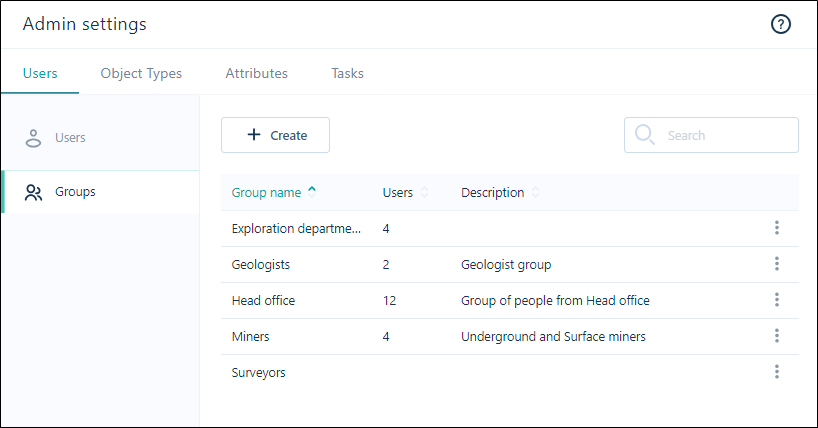
The following properties are shown for each group listed in the User Groups window:
| Property | Description |
|---|---|
| Group Name | The Name of the group should collectively identify the users who are members of the group. |
| Users | The number of users currently attached to the group. |
| Description | The Description of the group should further clarify the activities associated with the users in the group. |
Create
To create a user group:
-
Click Create above the list of User Groups:
-
Set the properties of the group in the Create User Groups dialog.
Search
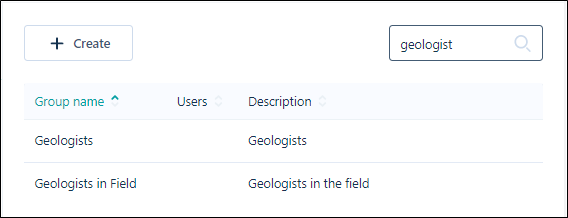
You can use the Search field to filter the list of User Groups to provide an easy method of finding a specific group.
Information on editing, managing and deleting User Groups is contained in Manage Groups.