Viewing reference data
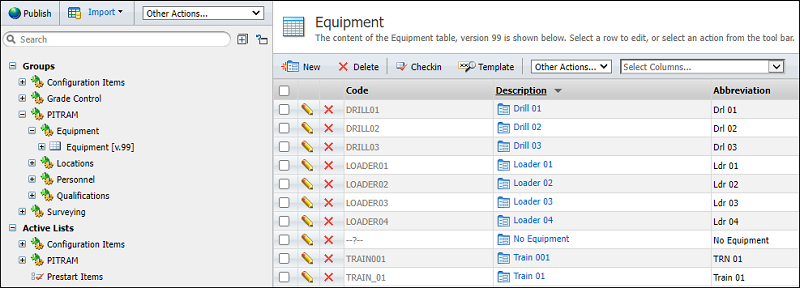
To view a reference group, right-click on the group and select Open from the right-click menu (or double-click on the Group name).
Attributes and Active Lists
Attributes and active lists are selectable, with the active lists listed below a separator bar as shown below:
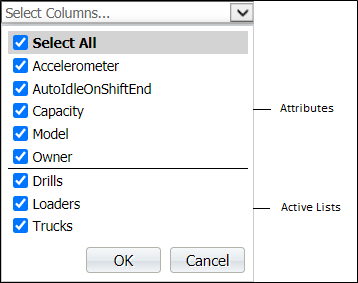
Select any combination of check boxes and click OK to display these columns in the grid:
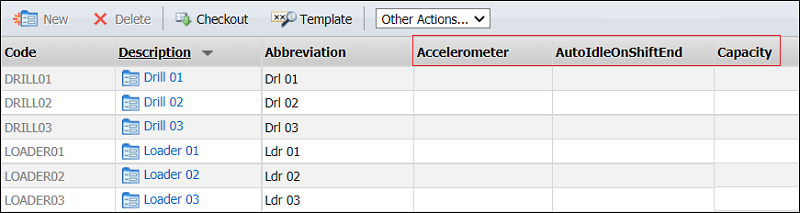
The extra columns are added to the main grid, to the right of the default attributes (Code, Description and Abbreviation):
Search Filter
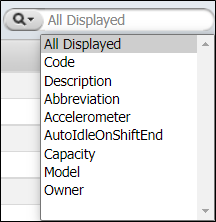
When filtering the Editor grid there are two options:
- All Displayed - search and filter by all columns currently selected for display in the grid
- Filter on one or more chosen attribute columns, and display those attributes as columns to the right of the default (Code, Description Abbreviation) attributes.