

Prepare Your Local Project for Downloading the Master Project
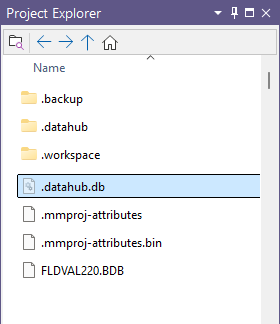
Remove the Sections folder and any empty .tridb wireframe templates from your local project, leaving only the system files in Project Explorer.
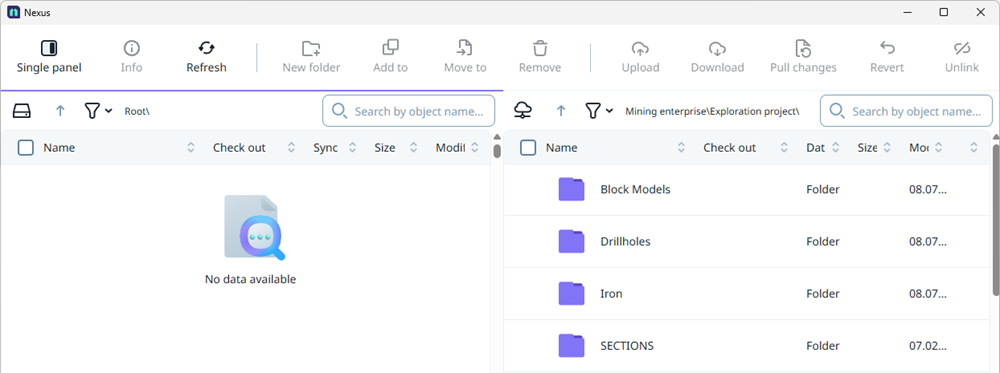
Go to the Home tab, then open the File Manager applet from the Nexus group. The local project side of the applet should be blank, confirming that all unnecessary data has been removed.
With the local project prepared, the next step is to begin downloading data. See: Download the Data to Your Local Project.