Troubleshooting
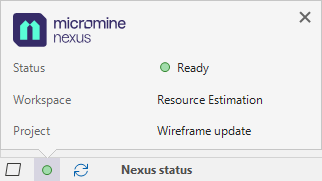
If you have connected successfully, the project (and sometimes the workspace) you are connected to are shown when you click on the Nexus status icon on the application toolbar.
No Connection
If there is no connection to Nexus at all, the most likely cause is an incorrect or out of date URL. An information dialog will be displayed.
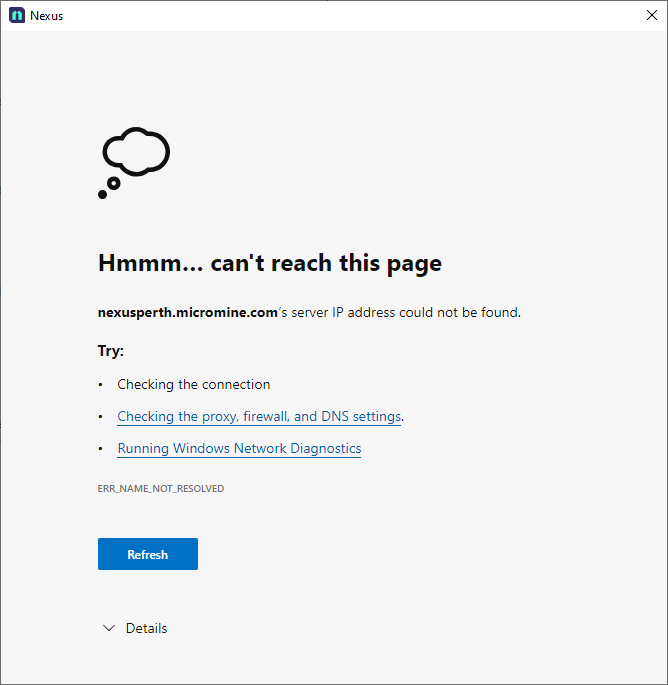
Close the dialog and check the Server URL entered in the backstage.
Ready
A connection has been established and you are signed in. You're good to go!
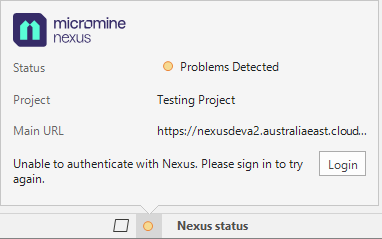
Problem Detected
This message will appear if your sign-in has expired or your user authentication has failed for some other reason. Try to Sign In. If problems persist, report the problem to your Nexus administrator.
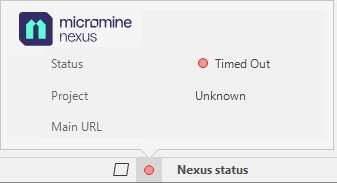
Timed Out
If a connection to the Nexus server cannot be established, the connection will be timed-out after repeated failed attempts to connect. If problems persist, report the problem to your system administrator.
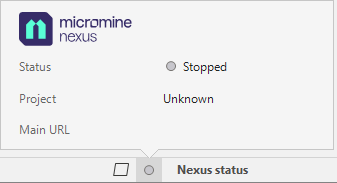
Stopped
If your connection to the Nexus server is stopped, you will need to re-connect. If problems persist, report the problem to your system administrator. See: Link
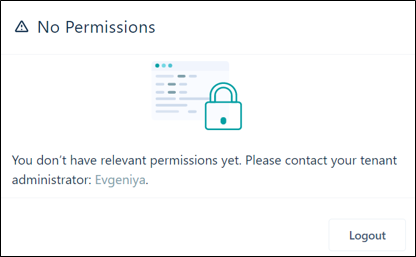
No Permissions
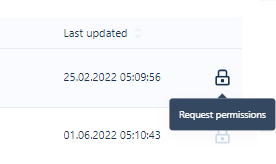
If you are a user and you do not have any permissions for a workspace, the workspace is "locked"- as indicated by a padlock icon:

Without permissions you will be unable to open the workspace.
If you have no permissions or you have restricted permissions, you can request permissions or a change in permissions for yourself (and other users) by clicking the ellipsis button at the end of the workspace row. Select Request permissions to open the Request Permissions dialog: