Create and Prepare a New Local Project
Create a new local project in Micromine Origin & Beyond on your machine, then link it to the Nexus project prepared by your administrator in the shared Workspace and Project.
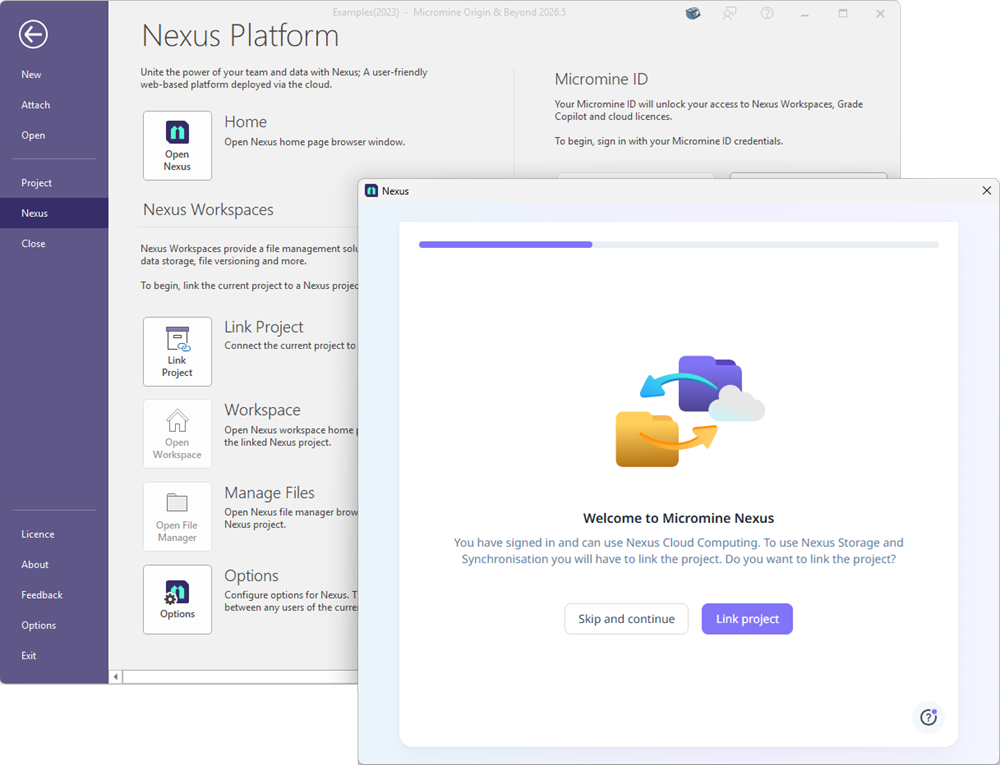
To do this, go to the Nexus Workspace backstage menu and select Link Project. Then choose the required Nexus Workspace and Project.
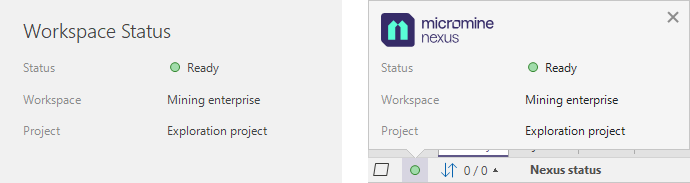
When the Nexus connection has been established and the Link Project process is complete, the Nexus Status in the Backstage Workspace Status group and in the Micromine Origin & Beyond toolbar should be green and display your selected Workspace and Project names.