

Import Process Workflow
To import a Process Workflow, right-click on the name of a Process Workflow node (or a folder) in the Project Explorer and select Import Process Workflow.
Navigate to the folder location of the Process Workflow File (*..pwf) you want to import. Select the file and click Open.
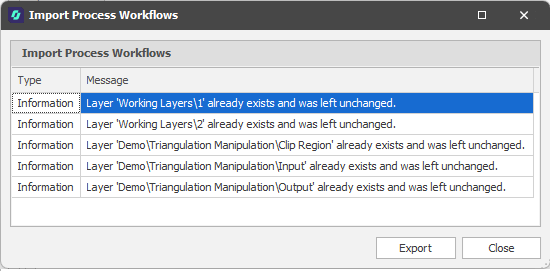
A Summary of the workflow import is provided.
Export
Click Export to export the Import Summary information to an Excel (.xlsx) file.
Close
Click Close to close the Import Summary.