Create Circle

To create a circle:
-
Click to select a Centre point
-
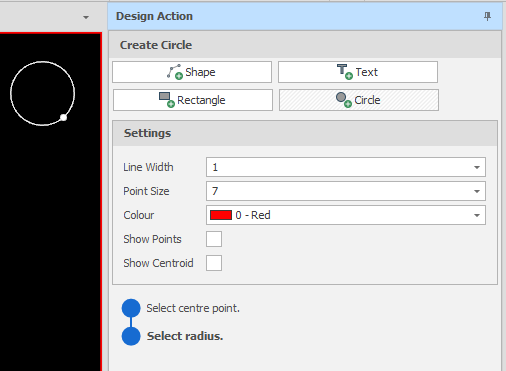
Drag the mouse and click to set the Radius. A circle is rubber-banded in the direction you move the mouse cursor and is drawn in the current plane of the camera.
-
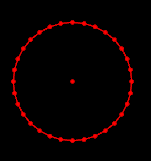
Choose a Colour for the circle and its points. You can also choose to Show Points and Show the Centroid of the circle.
Note: If the Line Width is greater than the Point Size you may not see the circle points.
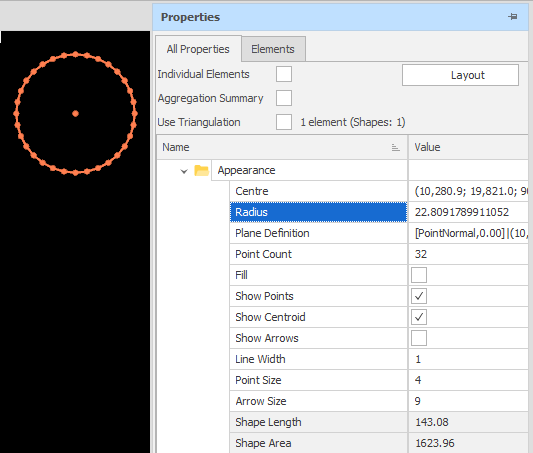
You can edit the Properties of the circle after you have created it:
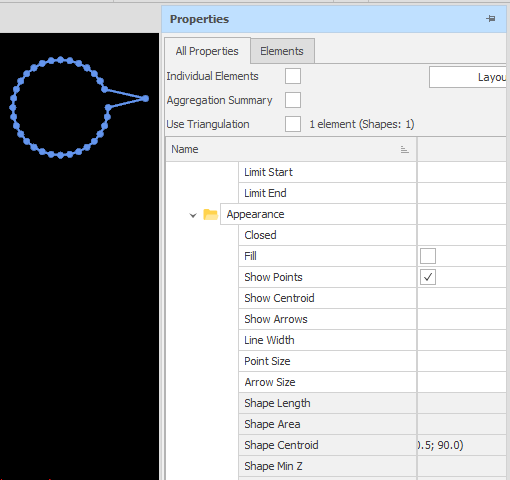
Bear in mind that if you edit a circle in such a way that it is no longer circular (for example, you move a point), the element becomes a Shape rather than a Circle. This is reflected in the Properties of the element: