

Online Help
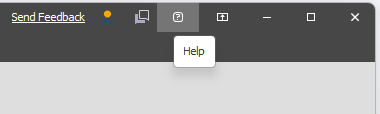
Click the Help icon on the title bar to open the Micromine Spry Online Help:
Alternatively:
-
Click the File tab to open the backstage menu.
-
Select About | Support | Spry Help to open the application online help.
Help Assistant
You can also click the Help Assistant icon on the title bar to open the Help Assistant Window on Nexus:
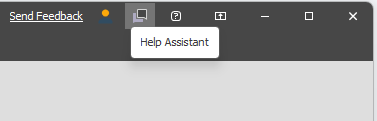
Note that the Assistant can only be accessed when you are logged in with a Micromine ID on Cloud Licensing.
For more information, see: Help Assistant