

Pitram Connect - Location Enhancements
This
 Pitram Connect - Location Enhancements
Location Attributes Display
The Location Attributes option has been added to the More menu on the Locations view to enable the display of custom attributes on the Location card.
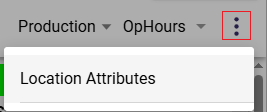
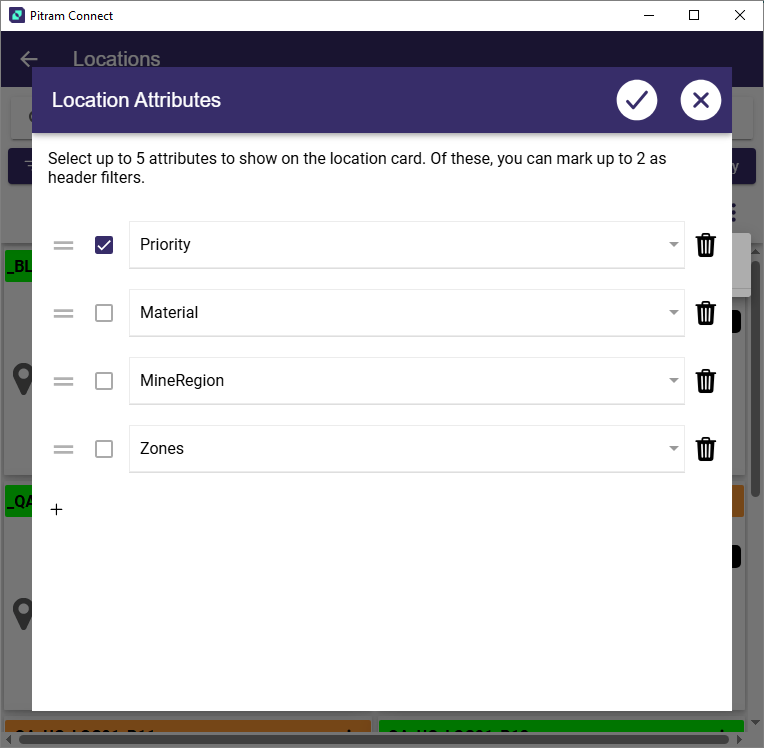
The new option will open the Location Attributes panel to allow selection of up to 5 attributes to be displayed on the Location card. Up to 2 of the selected attributes can be designated as header filters.
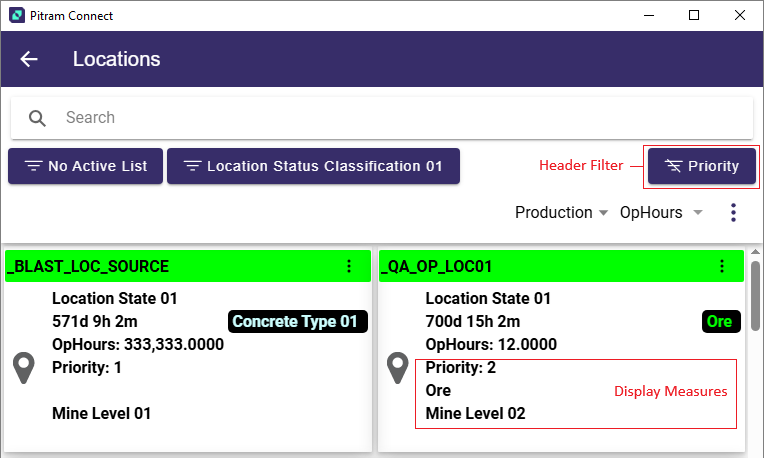
Any Location Attributes that were added will be displayed in the Location card. The designated attribute/s will also be displayed as header filter/s which can be used to filter the Locations:
For more information on the Location module in Pitram Connect, see Locations.
Location Display Measures
The Display Measures drop down has been added to the Locations view to support the display of a selected measure for the location details.
If you tap the Location Measures drop down, the list of available measures is displayed:
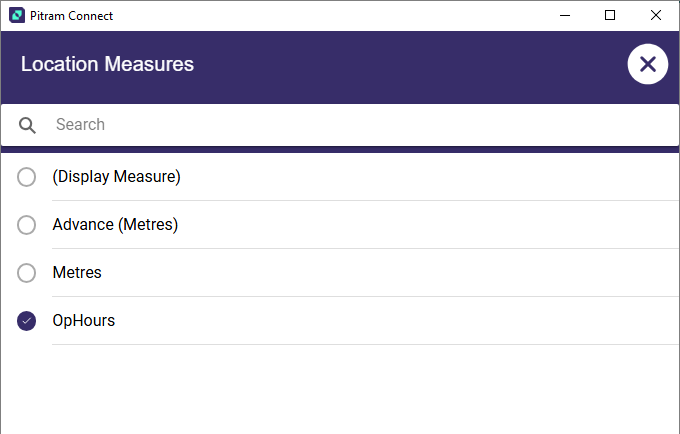
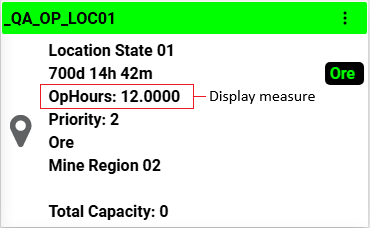
If you select (Display Measure), the configured Display Measure for the Location Type will be displayed. If you select an alternate option, the selected measure will be displayed in the Location detail card:
For more information on the Location module in Pitram Connect, see Locations.