

Apply a Filter
The Material Flow filter allows you to filter material transactions by Source, Destination, Grade Type, and Material.
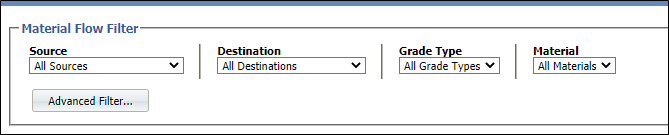
The Advanced Filter form allows you to be more specific and narrow your selection based upon a combination of attribute values.
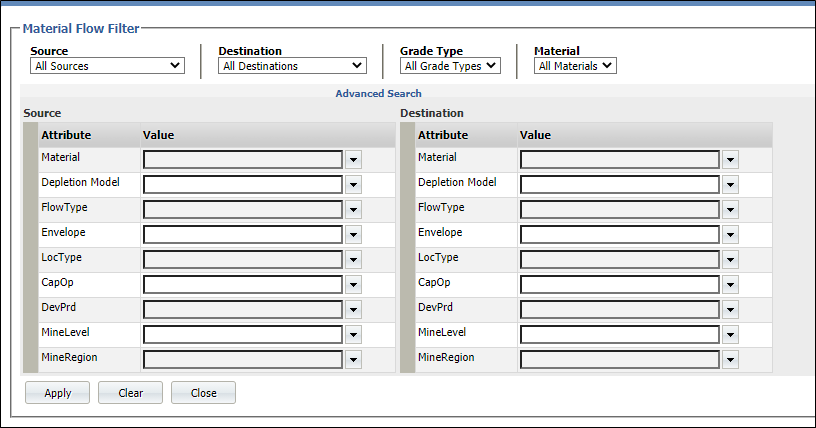
Use the drop-down lists provided in the Advanced Search form to set the criteria by which the records will be filtered.
Tip: To cancel a selection, clear the selection from the input box. When you clear the selected value, the drop-down list associated with that input is opened automatically. Click the drop-down button to dismiss the drop-down list.
If an advanced filter is currently applied, this is indicated by an asterisk * on the Advanced Filter button:

If no transactions are displayed below the Material Flow Filter pane, check the current filter parameters.