

Shift Planner
Dark Mode
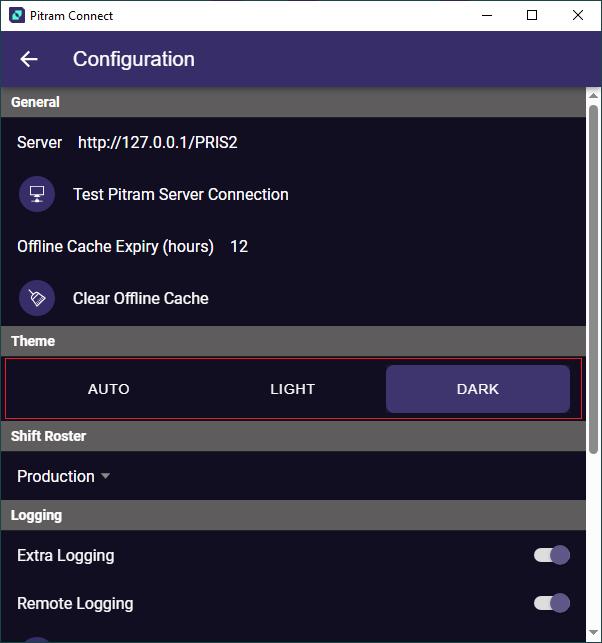
Dark Mode is not technically a part of the Shift Planner, however the Shift Planner screens do look better in Dark Mode (though this is up to the personal preference of the user). To swap from the default mode, go to the Configuration page, and select Dark from the Theme options:
Shift Planner Access
To use the Shift Planner, the following requirements should be met:
-
Tablet / PC size screen to show gantt/scheduler view. A phone will however render a more phone friendly view.
-
Pitram Sever >= 4.15
-
PRIS>= 1.5.0.17
PRIS Authorisation Configuration