

Add a task using a template
The activities that need to be undertaken as part of a shift can be defined as a sequence of tasks. In Data Acquisition, templates are provided which allow the user to quickly create a sequence of tasks.
The development of a face, for example, could be defined as a sequence of Drilling -> Blasting -> Loading tasks etc. The task sequence is configured via an XML file.
Task from template
To create a task from a template:
- Simply drag and drop the task - or a group of tasks onto the grid:
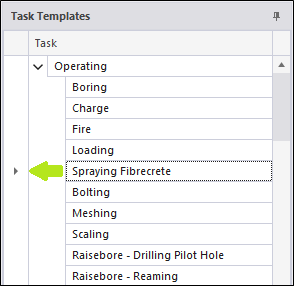
When you release the mouse button, the task is displayed.
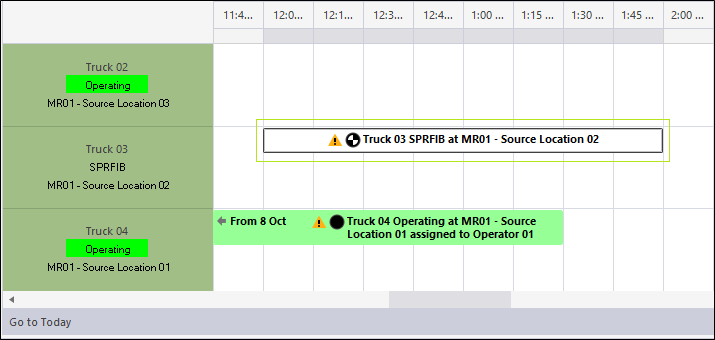
If you drop a Location task onto the Equipment view, it will ONLY appear in the Location view.
Task group from template
In the Shift Plan panel, you can drag a group of tasks, for example, an entire face development cycle, onto the grid:
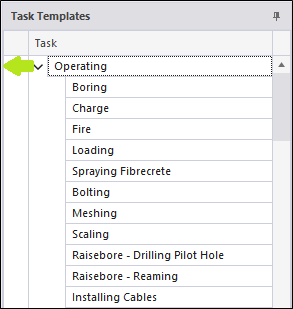
When you release the mouse, the sequence of tasks is displayed.

If a task has been created as part of a template, the properties of the task will be those defined as part of the task template definition.
Any properties not defined as part of the template definition, will need to be entered manually when Edit a task.