

Compact
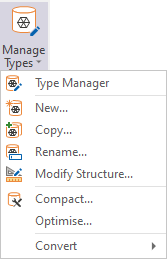
Select Type
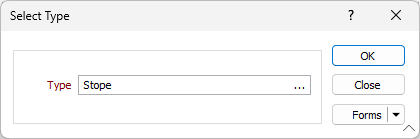
In the Select Type form, double-click (or click on the ellipsis) to select the Type you want to compact.
Forms
Click the Forms button to select and open a saved form set, or if a form set has been loaded, save the current form set.
OK
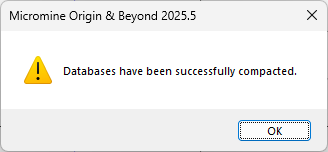
Click OK to begin the compaction. If the process is successful, a "Databases have been successfully compacted” message is displayed:
If an error occurs, please contact Micromine Australia Pty Ltd Support and provide details of the error.