Rename
-
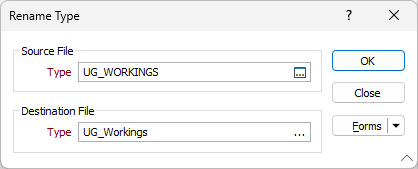
- In the Source File Type box, double-click (or click on the Select icon) to select the type you want to rename.
- In the Destination File Type box, enter, or double-click (or click on the ellipsis) to select, a Wireframe Type name.
- Click the OK button.

To create a New Wireframe Type, right-click in the Destination File Type box to open the Manage Types form and click the New button.