

Search
A Search box above the task list of the Gantt Chart can be used to filter the tasks that are displayed on the chart. You can use the Search icon to select the type of search to be performed. Only the tasks that match or partially match the entered search string and selected search type will be shown in the tasks list and on the chart:
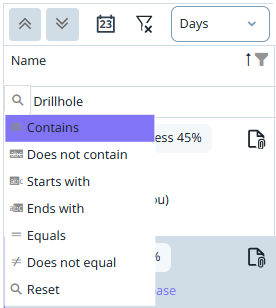
|
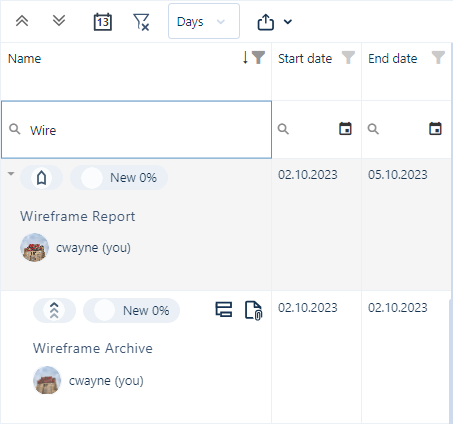
|
You can also restrict the tasks that are displayed according to a specified date or date range:
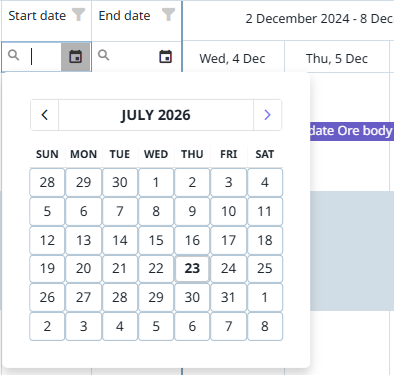
You can also Filter tasks by selecting which tasks to display in a Filter selection window.