

Filter
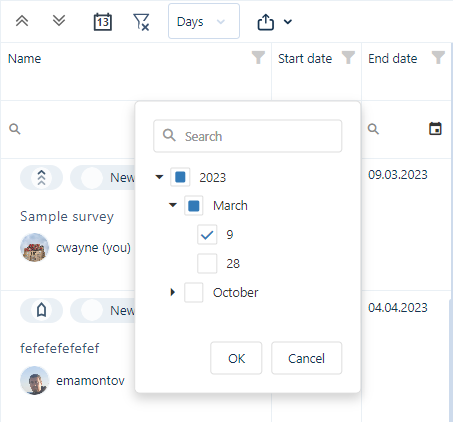
To filter tasks by the values in each column, click the Filter icon in the column header. Each column features related filter options. For example, the Start Date column features date filters and a Search field:
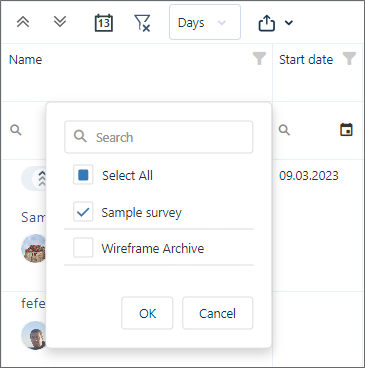
The Name column features options to filter by specific names, as well as a Search field:
Only the tasks selected in the Filter selection window will be shown in the tasks list and on the chart:
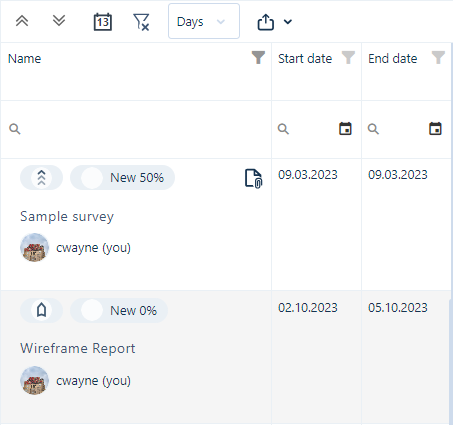
(You can also filter tasks by entering text in the Search boxes below each column header.)
To clear any filters that have been applied, click the Clear all filters and refresh button.
