New Folder
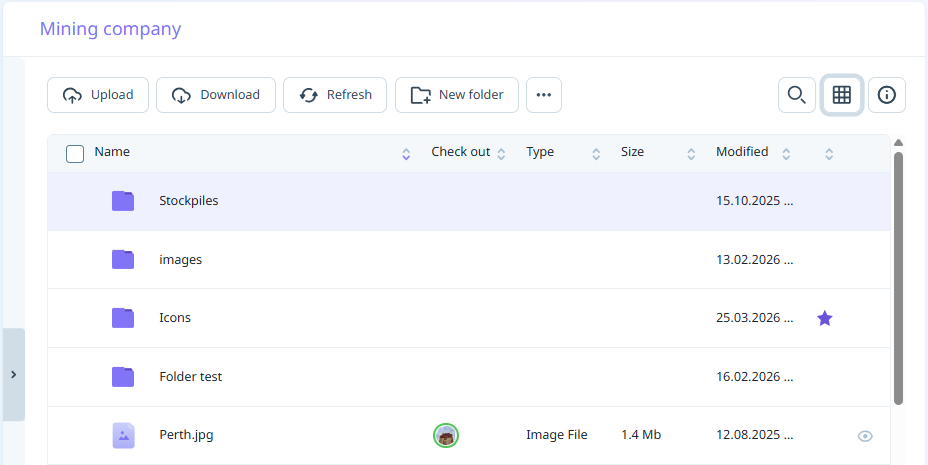
To create a new folder in your
-
Navigate to the
-
Click New folder.
-
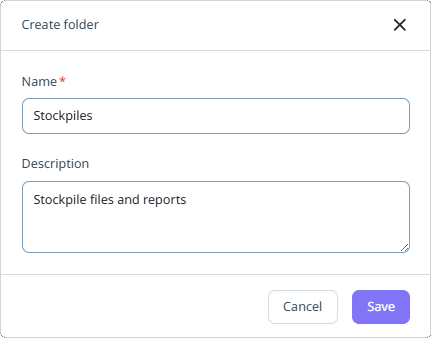
Enter the Name and a Description of the folder and click Save:
-
The folder is created: