

Select Project
On the Navigation Bar:
-
Click on <the name of the current project> or click on No Project Selected.
-
Select from the expanded list of Recent Projects
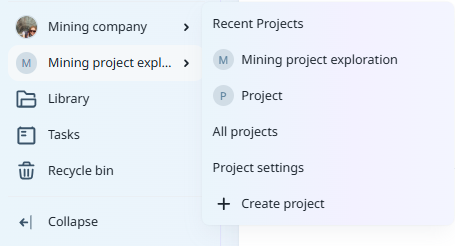
or:
-
Select All Projects and click on the name of the project you want to open.
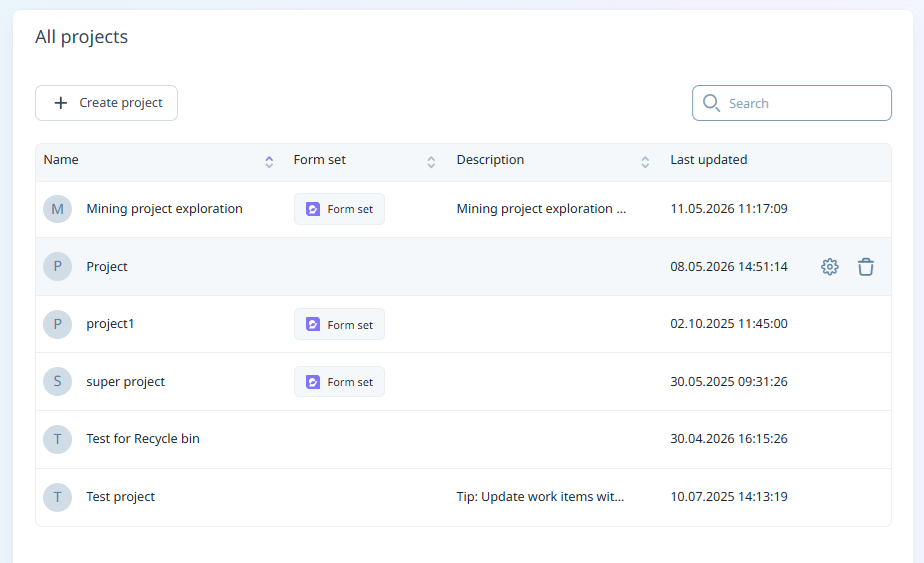
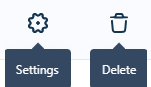
From the All Projects page, you can hover on a project to display action icons. Project Settings are accessible from the Settings button, and you can delete a project (with the required permissions) using the Delete button.
-
If no project exists, you will need to create one: Create Projects